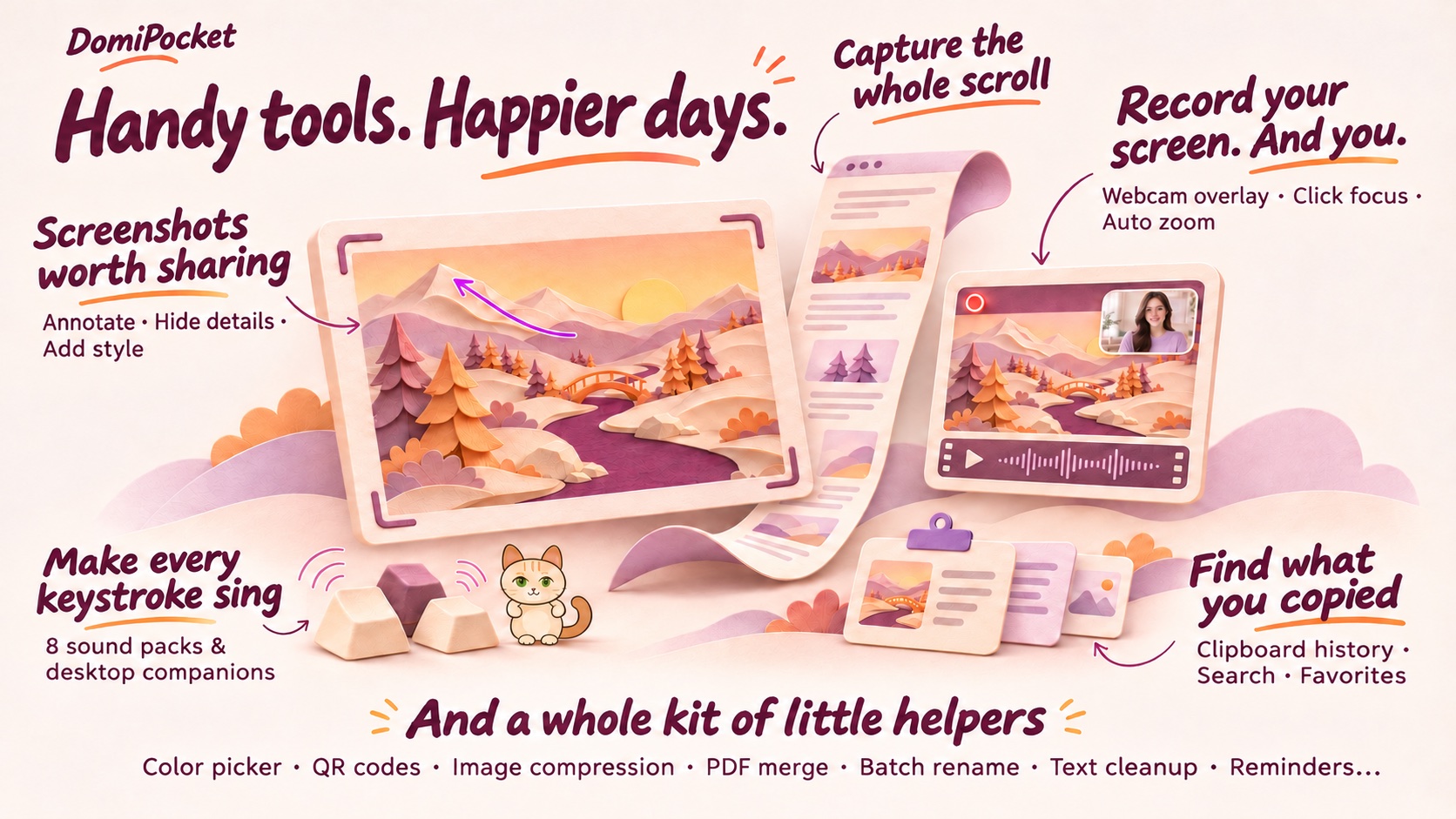
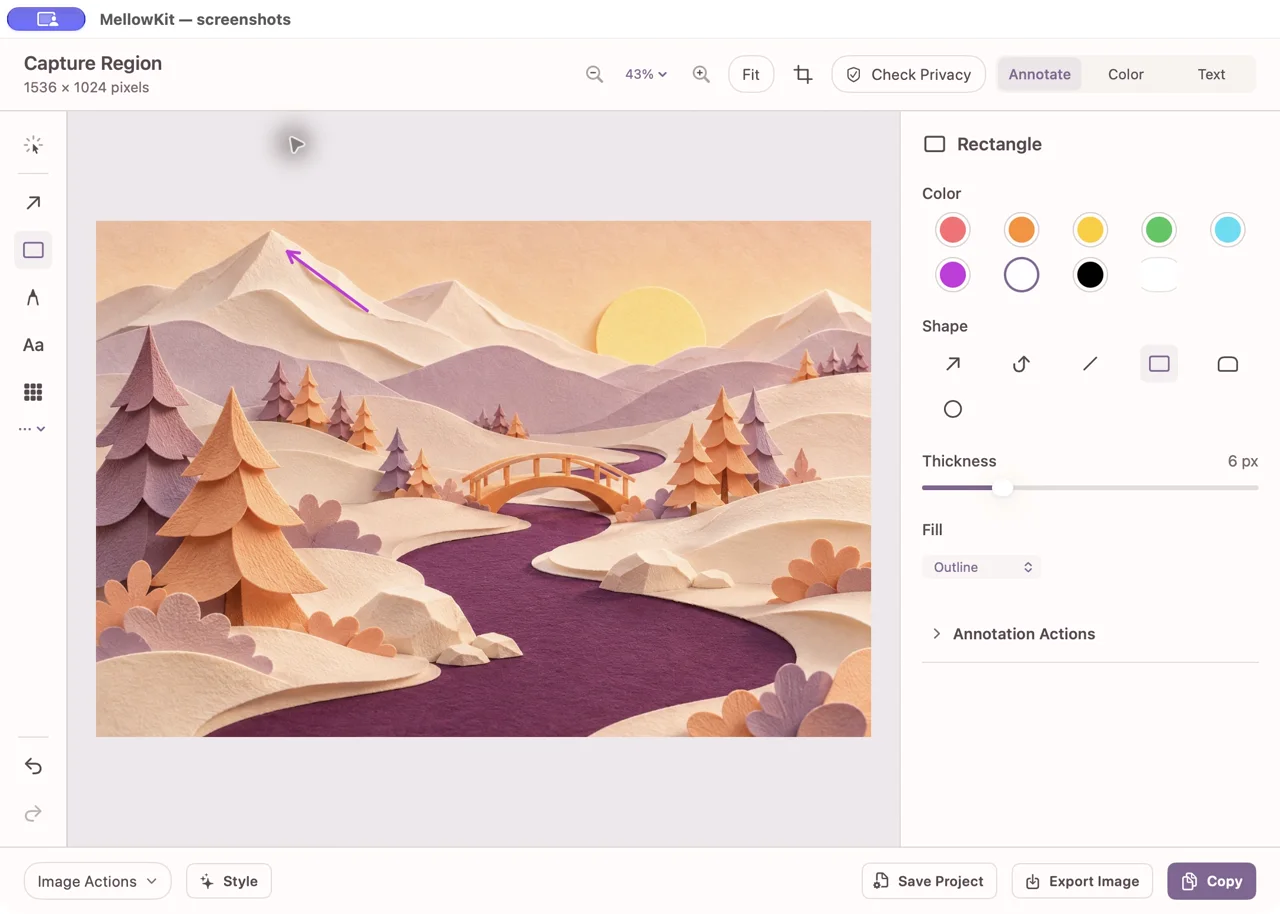
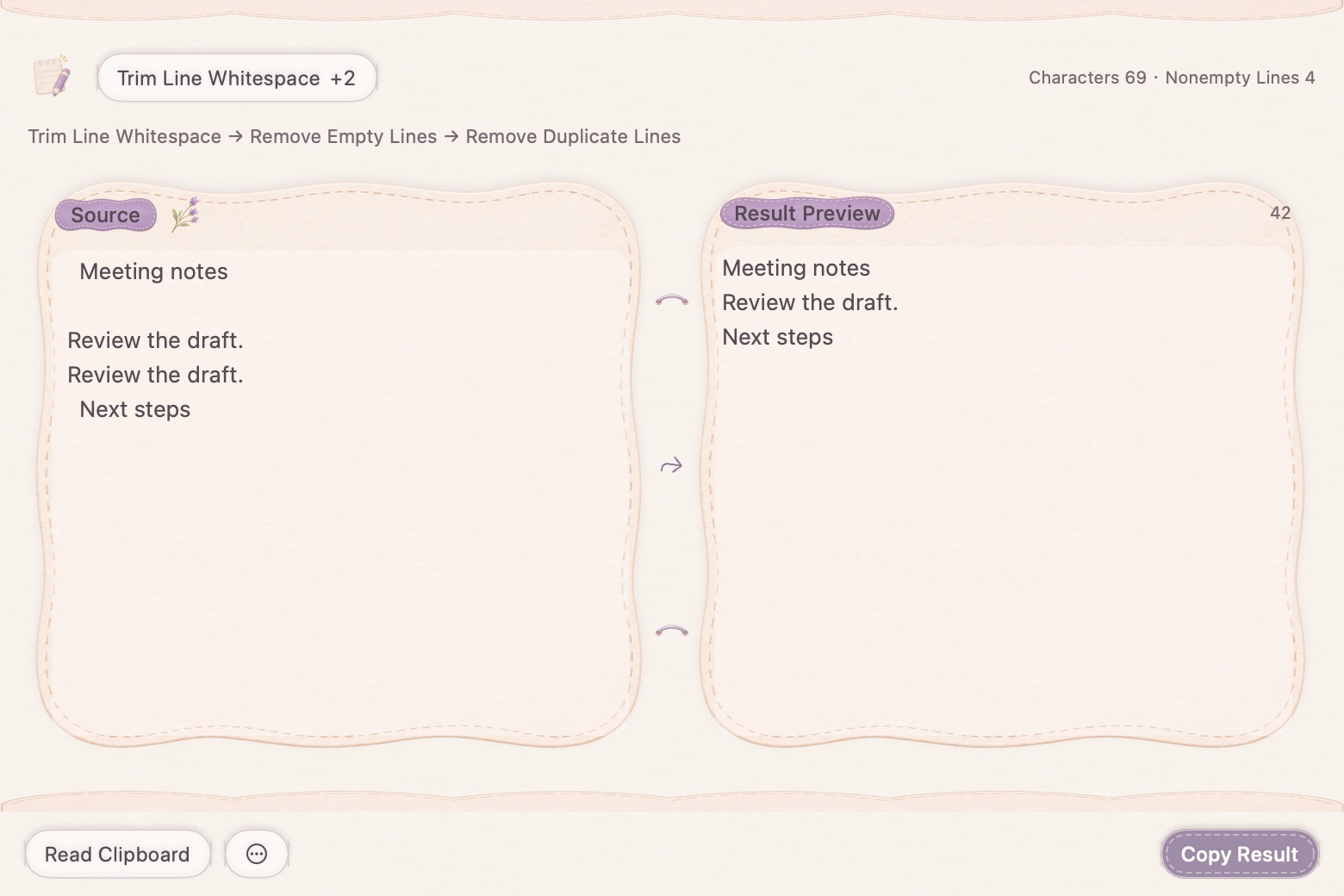
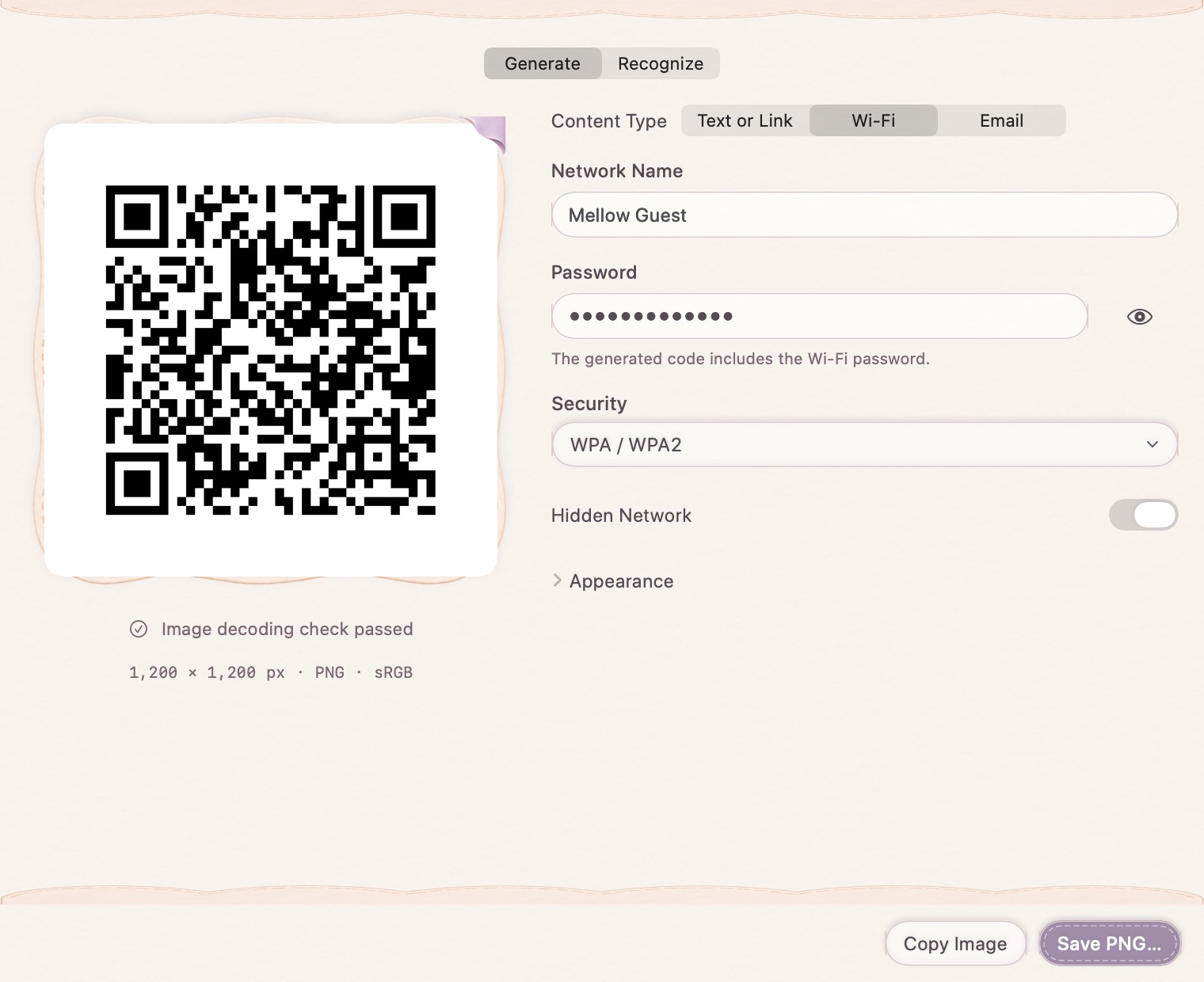
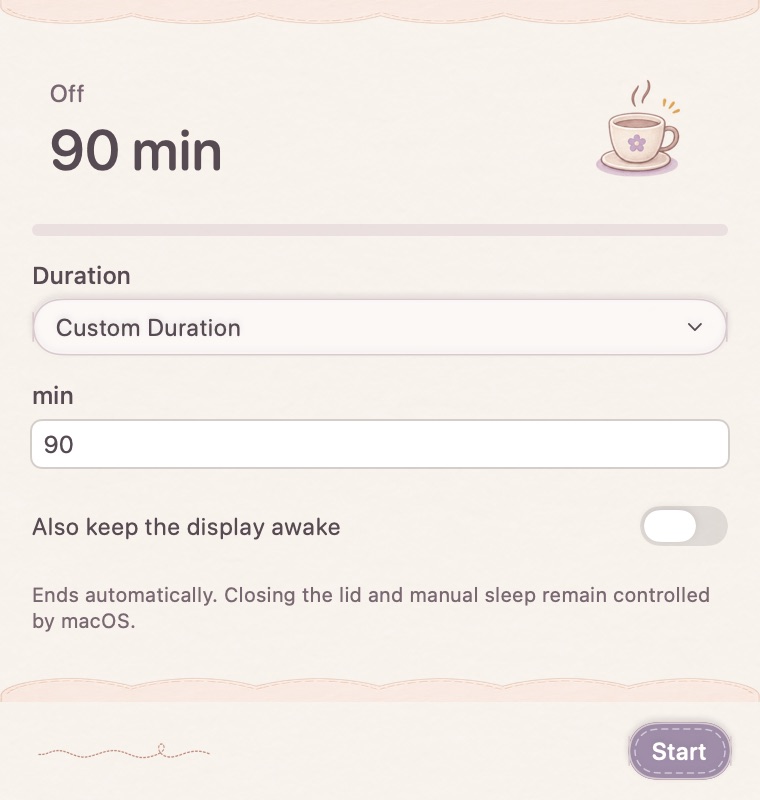
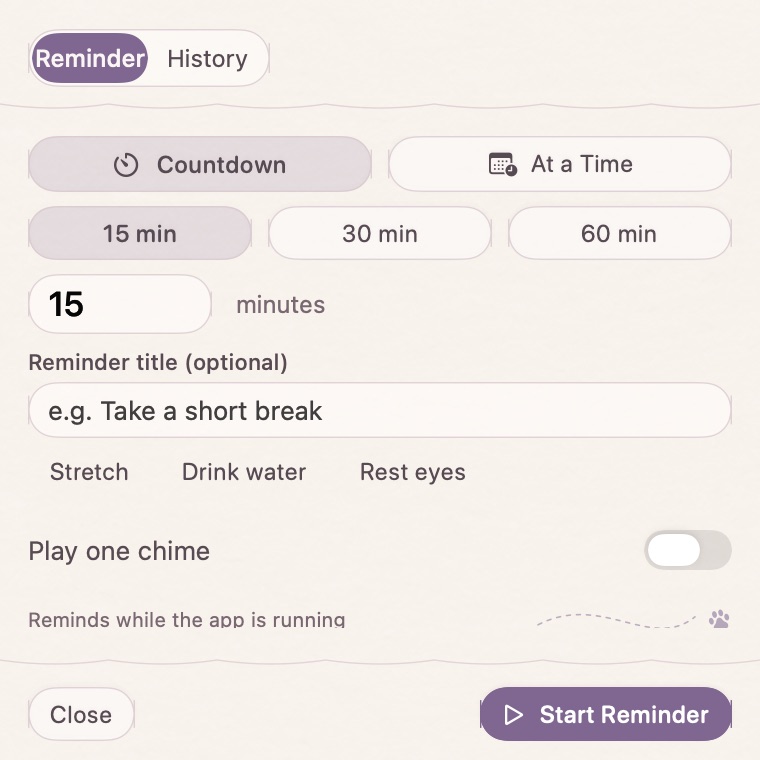
Capture. Annotate. Make it yours.Native app interface, composed for this page.
Screen recording
Let the view follow. Keep the presenter in frame.
Record screen, camera, microphone and system audio together. Zoom into the important click, ease back to the full view, and refine the cursor, picture and sound after recording.
Four recording sources · Click-following zoom · Editable cursor
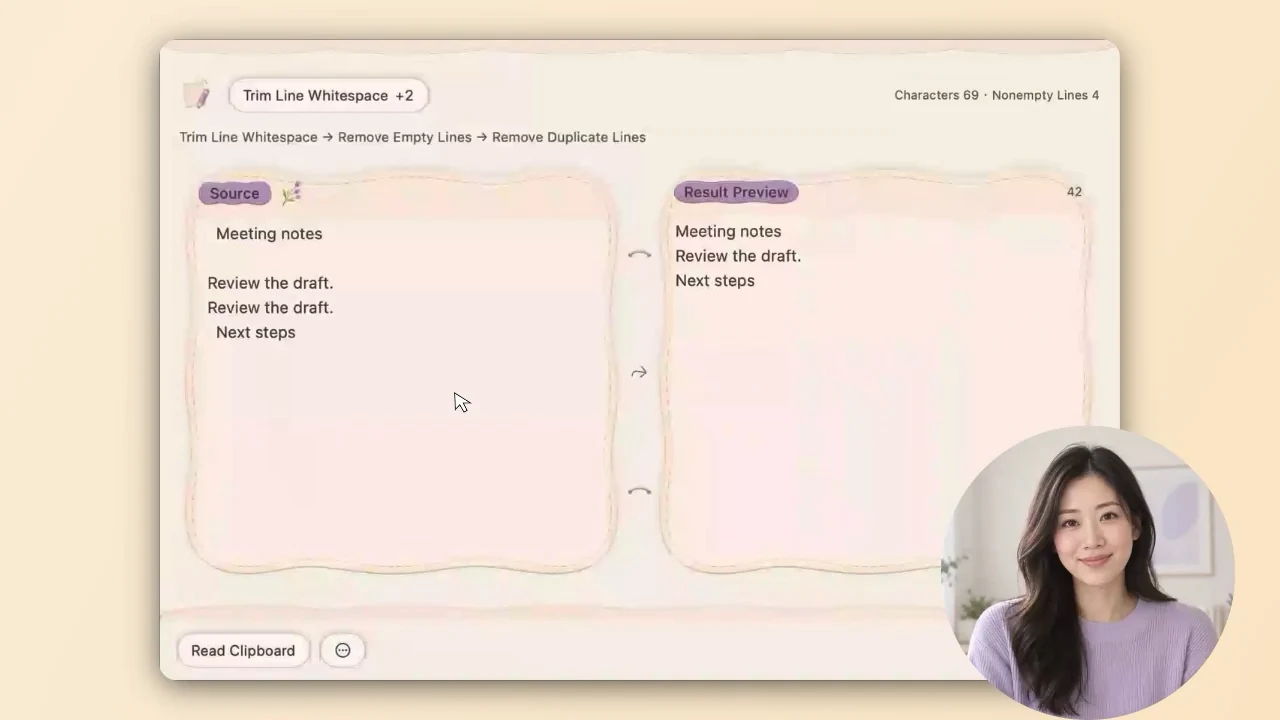
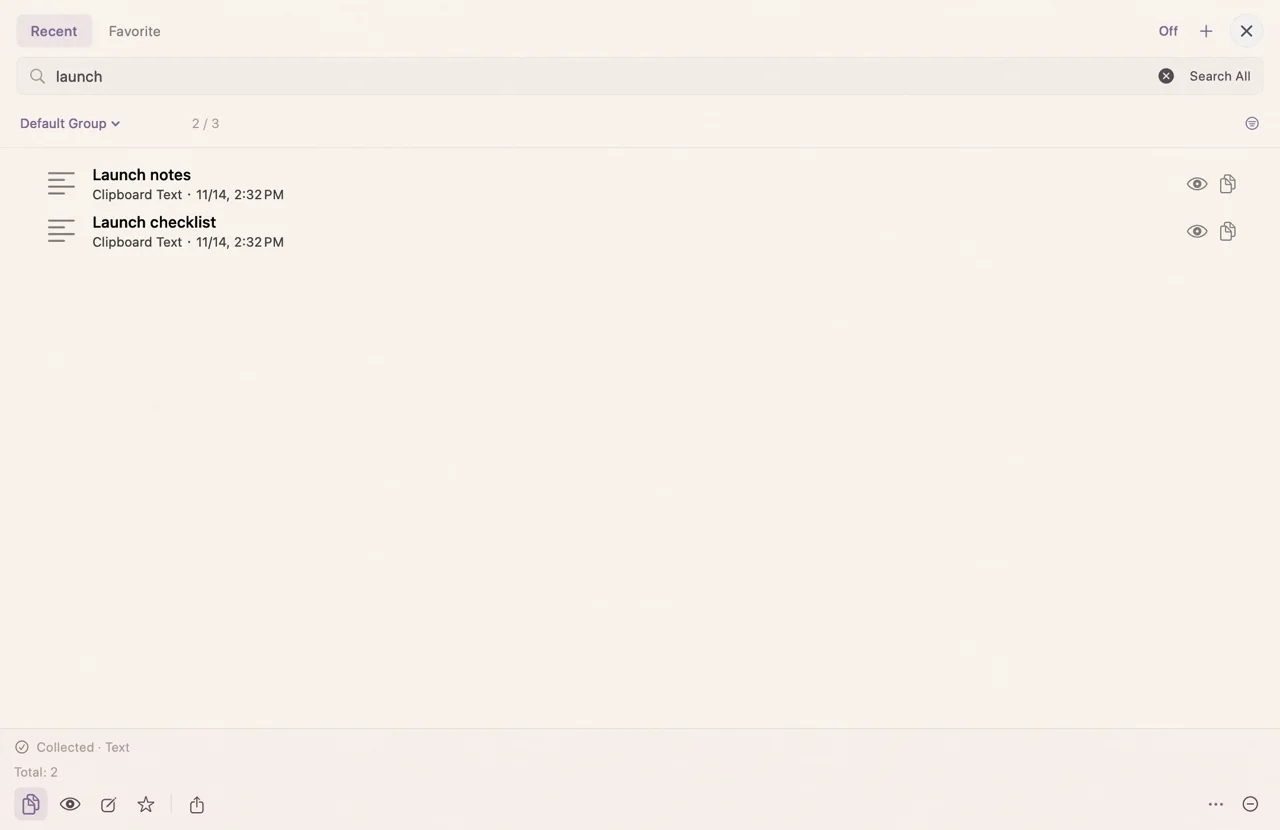
A place for the things you want to keep.Native app interface, composed for this page.
Typing sounds
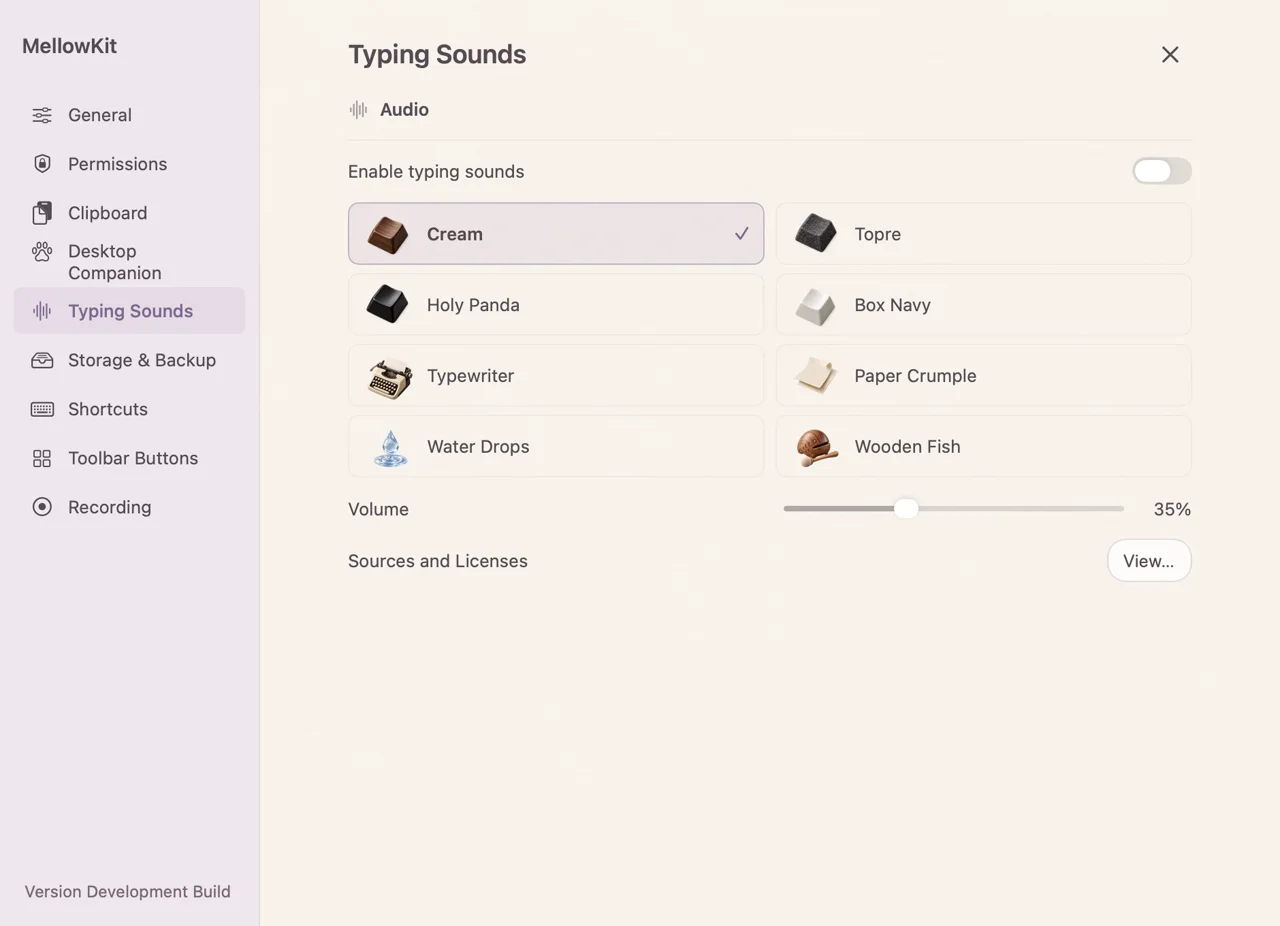
Find your typing rhythm.
From creamy mechanical keys to paper, water drops and a wooden-fish chime. Choose from eight sound packs and make everyday writing a little more satisfying.
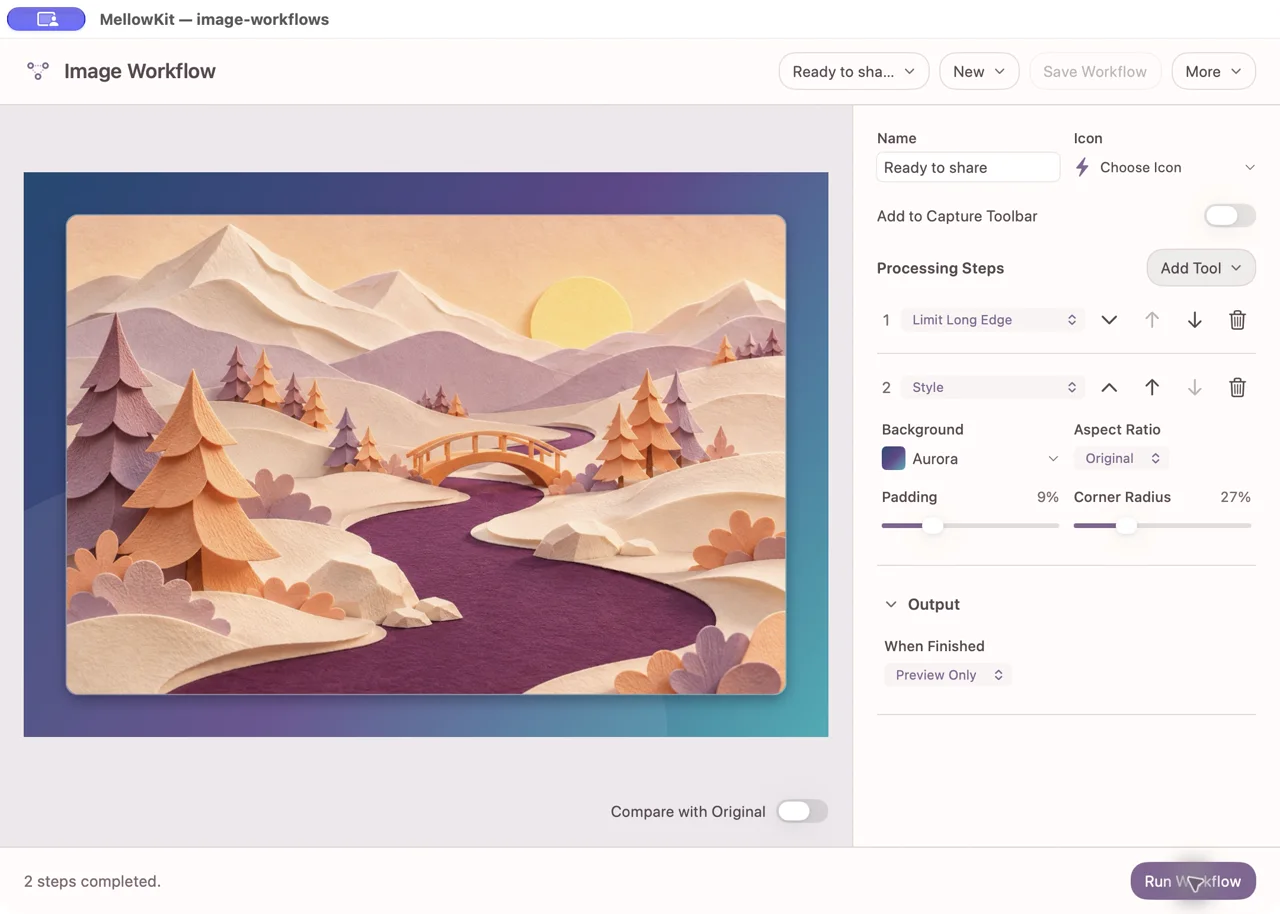
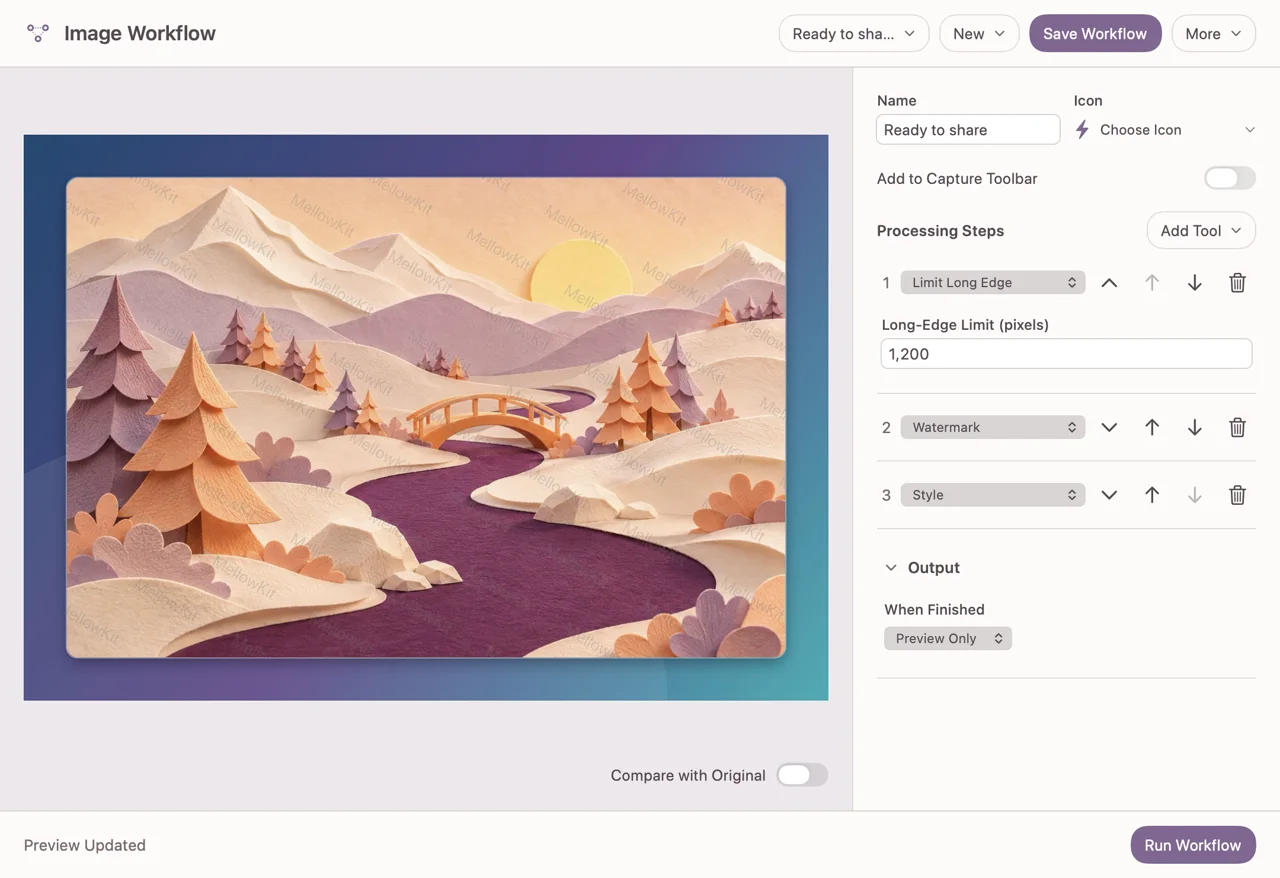
“I resize every image to the same width, add a watermark, then export for my blog…”
Start with the task. We’ll work on the tool.
A few things to know.
Is DomiPocket available to download?
We are preparing the first release. Download links, pricing and purchase details will appear here when they are ready. The page does not start a trial or charge you.
Which Macs does it support?
The current release target is Apple Silicon Macs running macOS 15 or later. The app supports English and Simplified Chinese.
What is a reusable image workflow?
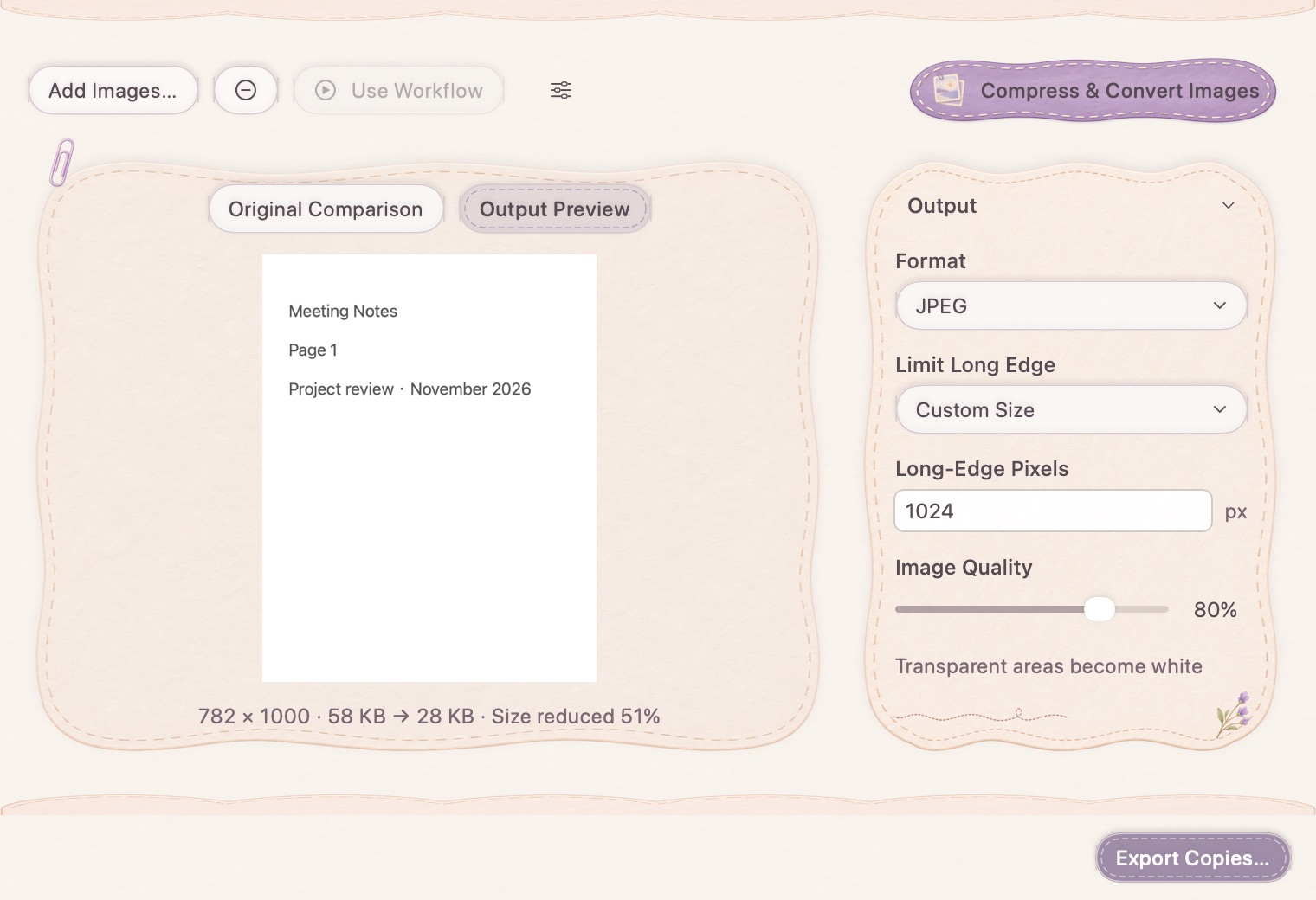
An ordered set of image-processing steps and output settings you save once and run on new images: for example, resize, watermark, style and export.
Will it upload my screenshots or clipboard?
Core capture, clipboard storage and image-processing tasks work on your Mac. Optional model downloads, licensing and sending a support request involve network services. See the privacy page for the current details.
DomiPocket for Mac
A little less busywork. A little more you.
Launch in preparation. Explore what is coming, or tell us what would make your day easier.